
Connecticut Court Dockets Defined
A Connecticut docket is the court's running index for one case. It ties each Connecticut event to a docket number, date, court location, and short description. A Connecticut civil docket may list appearances, pleadings, motions, short-calendar events, orders, and judgment. A Connecticut criminal docket may show charges, arraignment, bond events, scheduled appearances, pleas, dispositions, and sentencing. The Connecticut entry confirms that the clerk recorded an event. It does not always include the filed document.
Connecticut has no operating county court tier. Superior Court is the statewide trial court, arranged through Judicial District, Geographical Area, Housing Session, Juvenile Matters, and other locations. Probate Courts keep their own dockets, and appellate cases use separate Supreme and Appellate Court access. Municipal parking matters may remain with the city. The docket number and assigned location, rather than a historical county label, identify the responsible clerk.
Connecticut state case path: Filing or criminal referral › Superior Court events › judgment or disposition › Connecticut Appellate Court › Connecticut Supreme Court review when allowed.
Search Connecticut Court Dockets
Begin at the Judicial Branch Case Look-up hub. For civil and family cases, a party-name search can locate the docket, while the dedicated civil and family docket search works best when the number is known. Criminal and motor vehicle tools provide pending searches by defendant or docket, daily calendars, case events, and public conviction searches. Probate and federal matters require their own official systems.
- Choose the correct Connecticut case family. Civil inquiry will not return a pending criminal docket.
- Enter the full Connecticut docket number, or build it from the location, category, year, sequence, and suffix.
- If searching Connecticut dockets by name, add first name, birth year, court location, or case type.
- Open the Connecticut case and read entries in date order. Check the last event and current status.
- For missing Connecticut images or older papers, identify the assigned clerk through the Connecticut record-area directory.
The official civil and family docket form shown here offers both full-number and component searches.
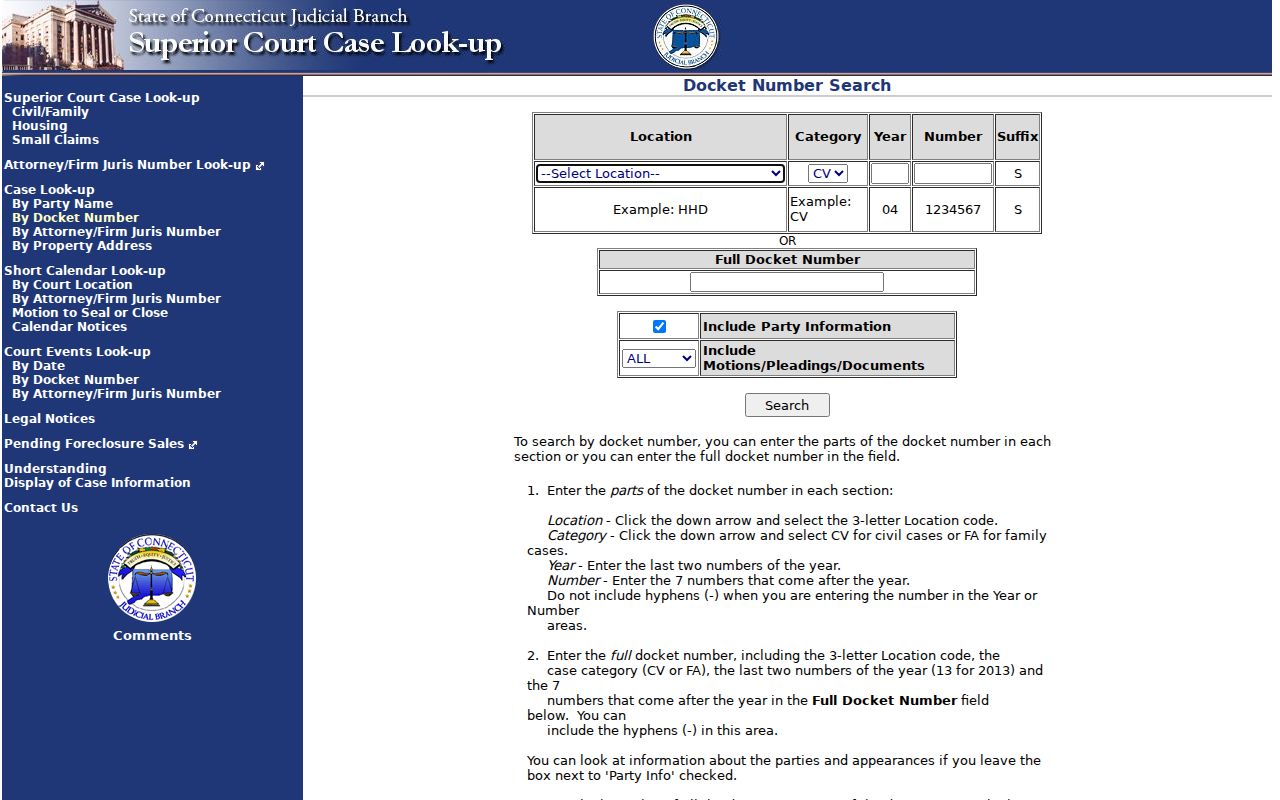
Its party and document controls let a user choose a lean result or a broader docket display.
Read Connecticut Court Docket Fields
Connecticut docket details vary by portal, but the basic fields answer the same questions: which case, where filed, what occurred, and what happened next. Civil and family numbers commonly combine a three-letter location, CV or FA category, a two-digit year, a sequence, and suffix. Criminal and motor vehicle numbers combine a court code, CR or MV case type, year, number, and suffix. Location codes are venue identifiers, not county abbreviations.
| Field | What It Shows |
|---|---|
| Connecticut Docket Number | The court location, category, year, sequence, and suffix that identify the case. |
| Connecticut Entry Date | The date a filing, hearing, order, or other event was placed on the docket. |
| Connecticut Event Type | A short label for a motion, appearance, hearing, order, judgment, plea, or disposition. |
| Connecticut Party Filing | The filing party and, when public, the title of the pleading or motion. |
| Connecticut Next Event | A scheduled hearing, short-calendar date, pretrial, trial, or other court appearance. |
| Connecticut Document Link | An eligible public image; no link may mean paper-only, restricted, or not published online. |
| Connecticut Disposition | Whether the case or charge remains pending and the current or final outcome. |
A Connecticut entry marked continued means the event moved to another date, not that the case ended. A Connecticut nolle is the prosecutor's choice not to proceed and is not a conviction. Connecticut judgment is the court's final civil ruling, but later motions or an appeal may add entries. Sealed or erased Connecticut material does not become public because another docket event is visible.
Connecticut Courts Publishing Dockets
The statewide hub includes Supreme and Appellate Court case lookup, Superior Court civil, family, housing, small claims, criminal, and motor vehicle paths. The civil inquiry can display party data and all, none, or the last ten motions, pleadings, and document entries. Criminal tools separate pending cases, daily dockets, events, and convictions. The public conviction display generally reaches no more than ten years after sentencing and excludes juvenile, youthful offender, infraction, and violation convictions.
- Connecticut Supreme and Appellate Courts: appellate case lookup, briefing, orders, opinions, and argument information.
- Connecticut Superior Court civil and family: name, number, attorney, property, events, and legal-notice searches.
- Connecticut Superior Court criminal and motor vehicle: pending cases, daily calendars, events, and eligible convictions.
- Connecticut housing and small claims: specialized paths within the statewide Judicial Branch system.
- Connecticut Probate Courts: separate public decedent estate and trust data, with date and document limits.
Traffic information can cross systems without merging the records. The DMV online services source shown here links driver functions and a Judicial Branch ticket route.
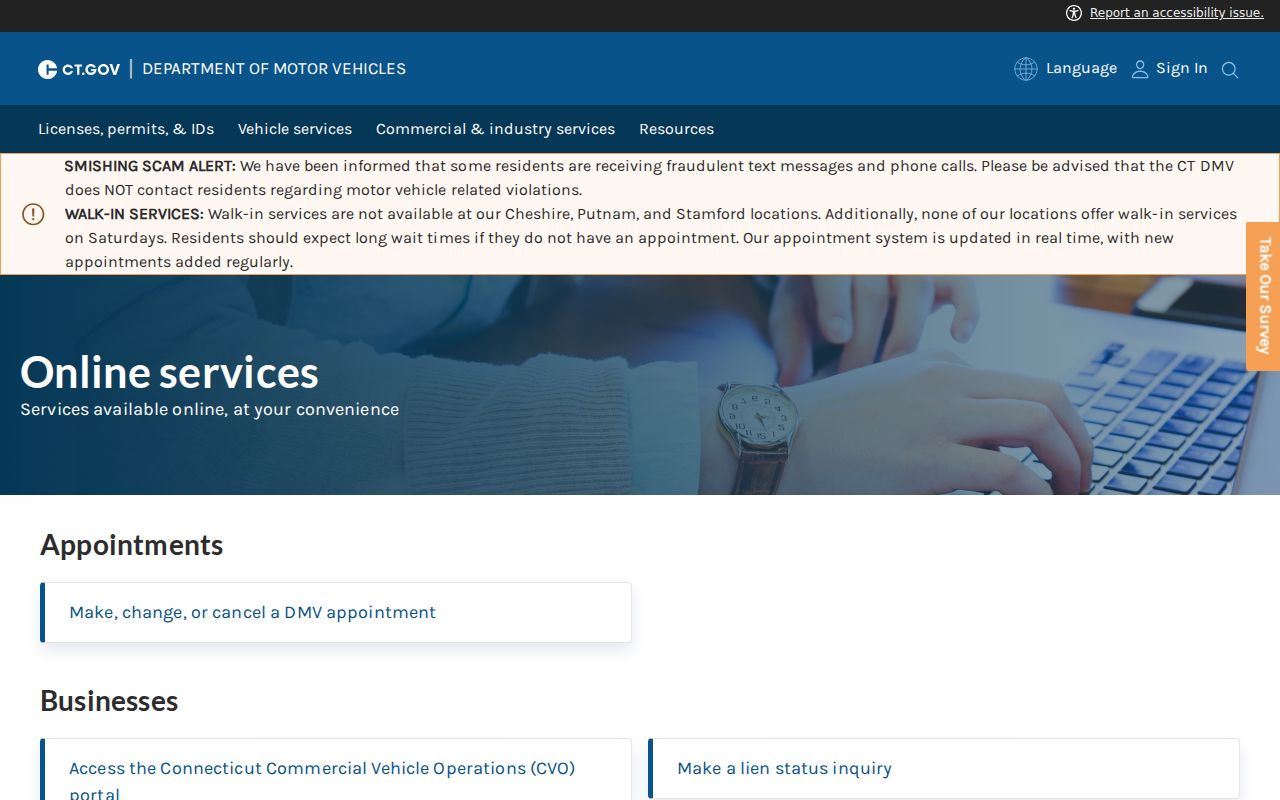
A DMV driver history remains an administrative driving record, while a docketed motor vehicle case remains a Judicial Branch court record.
Connecticut Docket Versus Case File
A Connecticut court docket is the roadmap. The full case record contains the actual complaints, informations, motions, affidavits, exhibits, orders, judgments, and other filed material. The online docket is often free, but public document images depend on the case type, filing method, age, and access rule. Transcripts may be produced and ordered through separate procedures. Exhibits may remain with a clerk, be returned, or be subject to a specific court order.
| Docket | Full Case Record | |
|---|---|---|
| Connecticut Format | Chronological list of entries | Pleadings, orders, exhibits, and other filed items |
| Connecticut Access | Often free through official lookup | Images may be online; other items need a clerk request |
| Connecticut Use | Track status, dates, and filing history | Read the substance of claims, rulings, and evidence |
| Connecticut Certification | A screen result is not normally a certified copy | The responsible clerk can certify an eligible copy |
| Connecticut Limits | Restricted events may be hidden | Sealed, confidential, or erased material remains unavailable |
Connecticut requesters should name the exact entry they want. An entire Connecticut file can be costly and slow, while one judgment, disposition, or motion is easier to price. Ask whether Connecticut electronic delivery is allowed and whether the document is available on a courthouse public-access computer.
Interpret Connecticut Court Dockets
First decode the caption and location. Plaintiff and defendant are the main parties in a civil action. Petitioner and respondent are common in family and special proceedings. CV signals a civil docket; FA signals family. CR and MV mark criminal and motor vehicle cases. A Judicial District handles civil, family, serious criminal, and other major work. A Geographical Area is a Superior Court venue for much criminal and motor vehicle work.
Next, follow the dates. A motion asks the court to act. A continuance postpones an event. Short calendar is Connecticut's civil and family process for motions and court events. Disposition means the current or final result. Dismissal ends a claim or charge, while a conviction is a guilty plea or finding that remains of record unless erased or pardoned. Look for later corrections, reopened matters, appeals, and postjudgment events before treating one entry as final.
Note: Connecticut criminal history can change daily after corrections, pardons, or erasures, so verify consequential findings with the originating clerk.
Federal Dockets in Connecticut
Federal cases use a different chain. The U.S. District Court for the District of Connecticut and the U.S. Bankruptcy Court use CM/ECF, while PACER provides public docket access. Connecticut federal appeals go to the Second Circuit. A state docket number will not work in PACER, and a federal case will not appear in the state Judicial Branch search merely because the parties live in Connecticut.
The official PACER source shown here is the nationwide public entry point for federal dockets.
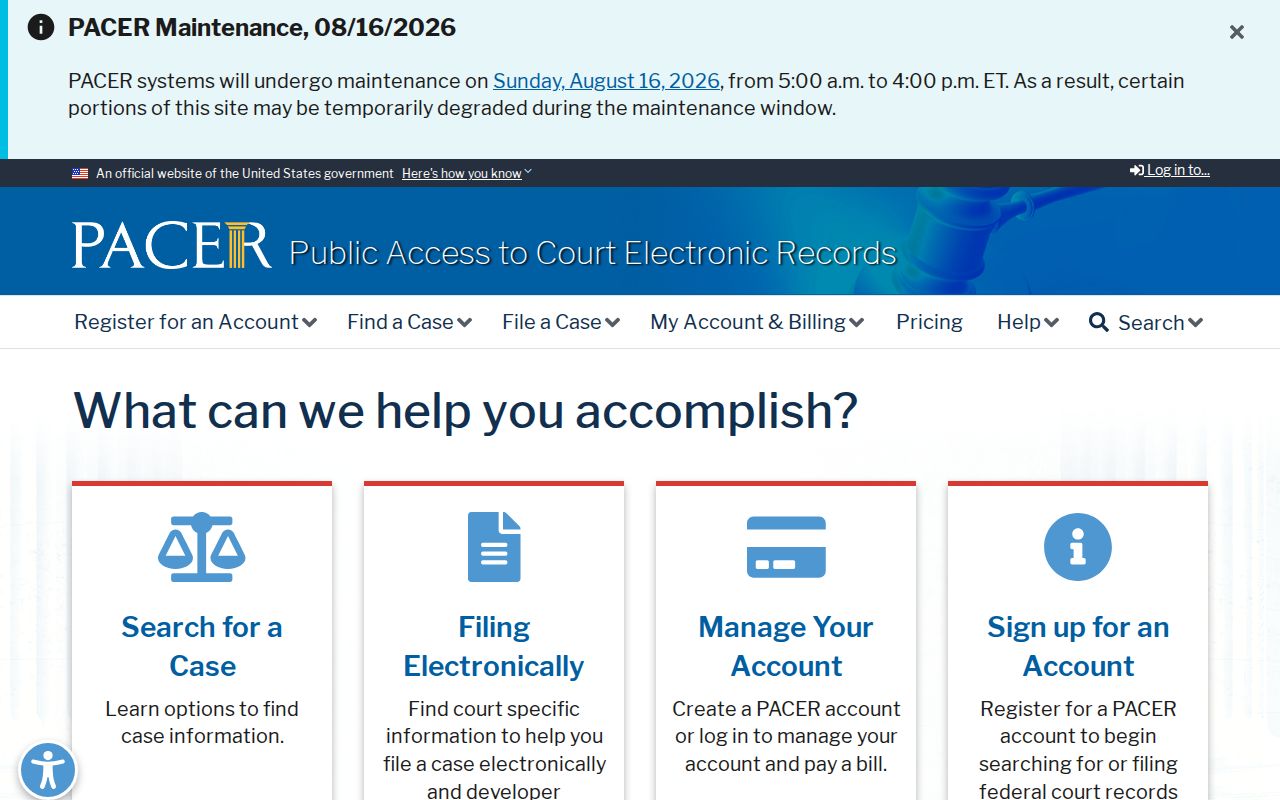
Registration and usage charges may apply, and older pre-electronic filings can require a clerk or records-center request.
Bankruptcy cases have their own court and case record. The District of Connecticut Bankruptcy Court source depicted here provides official docket and clerk routes.
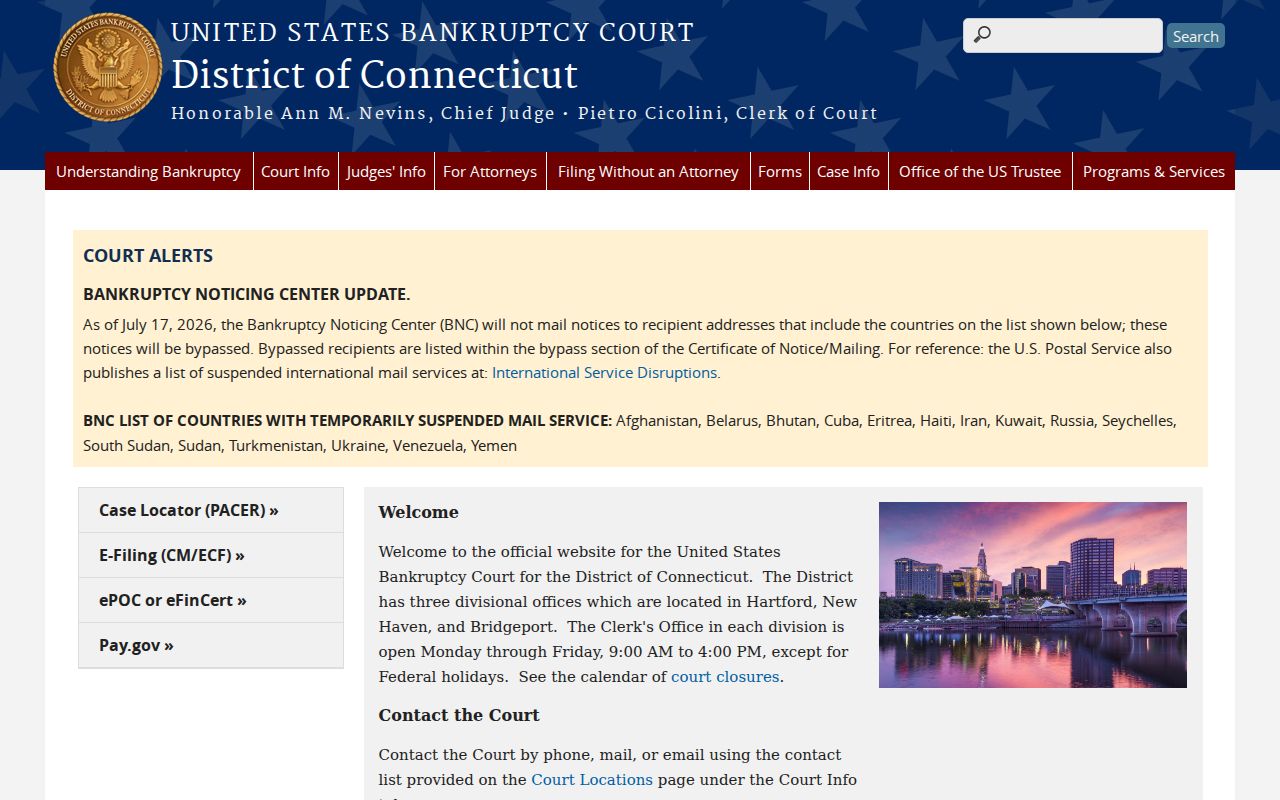
Use that court for bankruptcy petitions, claims, orders, and adversary proceedings rather than a Connecticut Superior Court clerk.
Find Connecticut Docket Offices
When an online Connecticut docket is incomplete, route the request by the town, case type, and location code. The state has eight historical counties but no county government. Its 27 project record areas combine those historical counties with municipality-based routes. Use the Connecticut record-area directory to identify the right Judicial District, Geographical Area, Probate Court, or municipal office, then confirm procedures before visiting.
Provide the full docket number, party names, case type, approximate date, and specific entries needed. Ask whether the clerk has the file, whether it is public, and whether a plain or certified copy is required. If access is denied, request the rule, statute, or order that controls the decision.
Note: A historical county name is not enough to route a Connecticut docket; use the town, case type, and location code.