
Search Connecticut Court Records
The official Connecticut Judicial Branch Case Look-up hub is the sound starting point. It routes users to separate systems for Supreme and Appellate Court matters, Superior Court civil, family, housing, and small claims cases, and criminal or motor vehicle cases. Public basic searches are free. The tools are statewide, yet they are not one merged database. A civil name search will not find a pending criminal case, and the Superior Court inquiry does not replace the separate Probate Court lookup.
Start with a docket number whenever possible. Otherwise, gather the party's legal name, an approximate filing year, the type of case, and the town tied to the dispute or charge. Connecticut abolished county government, so a historical county name alone does not identify the file counter. The town and case type determine the judicial district, Geographical Area, housing session, juvenile venue, or probate district. Older files and documents that the portal does not display remain with the assigned clerk.
- Open the Connecticut Case Look-up hub and choose the case family before entering a name or docket number.
- For Connecticut civil and family matters, select a location and category. For criminal records, choose a court location and case type.
- Review the Connecticut case detail, location code, events, parties, disposition, and available document entries.
- If the Connecticut result is absent or incomplete, use the town-based routing in the Connecticut record-area directory.
- Ask the Connecticut clerk about inspection, a plain copy, or a certified copy. Give the docket, names, year, and exact document.
The official lookup hub shown in this Judicial Branch source makes the case-family split visible.
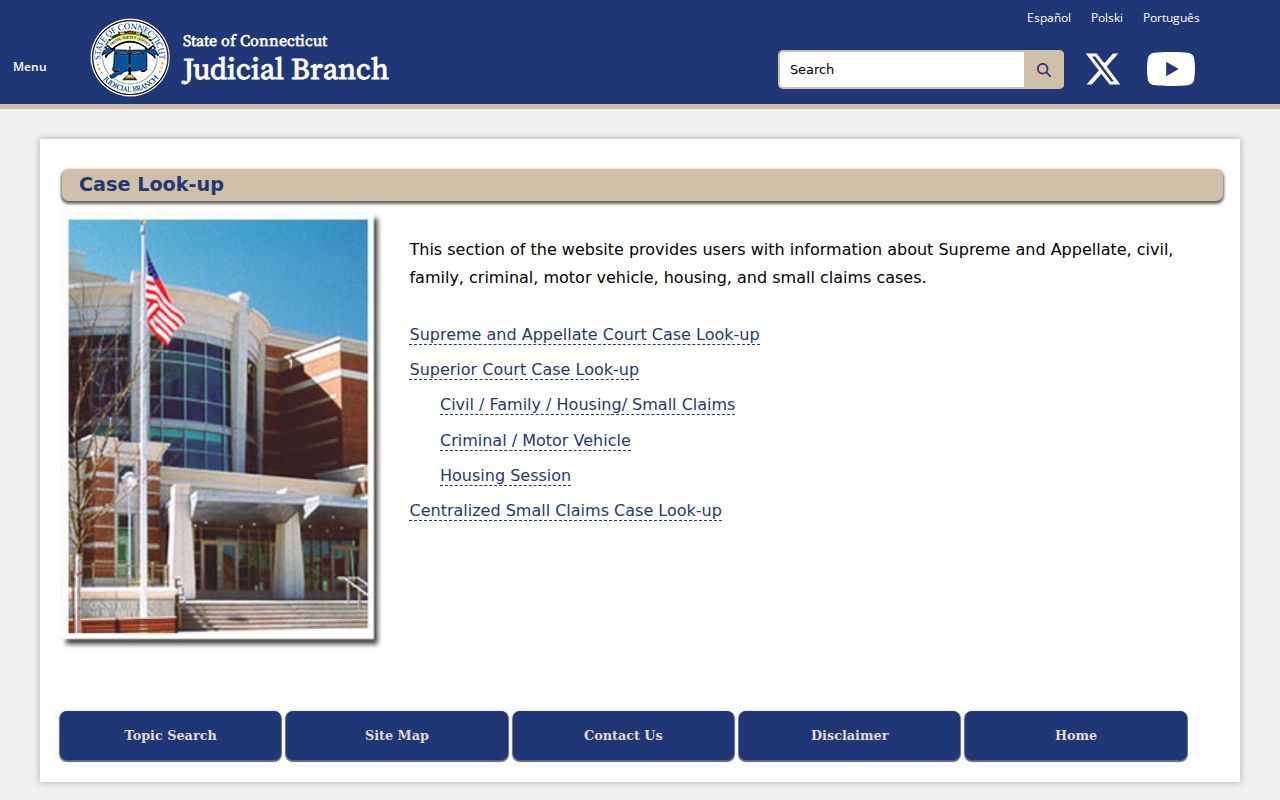
That split is essential: each path searches a different public record set and applies its own display limits.
Connecticut Court Record Search Fields
The Superior Court party search covers civil, family, housing, and small claims matters. A last name is the core input. Location and case filters help separate people who share a name. Location codes represent Judicial District and specialized sessions, not counties. Case category uses CV for civil and FA for family, while the longer case-type list includes dissolution, custody, foreclosure, summary process, protection-order, and small claims codes.
| Field Label | Type | Required | Notes / Format |
|---|---|---|---|
| Connecticut Party Last Name | Text | Yes | Up to 54 characters; the main name field. |
| Connecticut Party First Name | Text | No | Up to 50 characters; useful for narrowing common names. |
| Connecticut Location | Dropdown | No | All locations or a Judicial District, Housing Session, or UIFSA location code. |
| Connecticut Case Category | Dropdown | No | All, CV for civil, or FA for family. |
| Connecticut Case Type | Dropdown | No | Filters by dissolution, foreclosure, summary process, or small claims. |
| Search | Button | Not applicable | Submits the selected name and filters. |
The official party-name form depicted here shows how Connecticut court records are narrowed by location and case family.
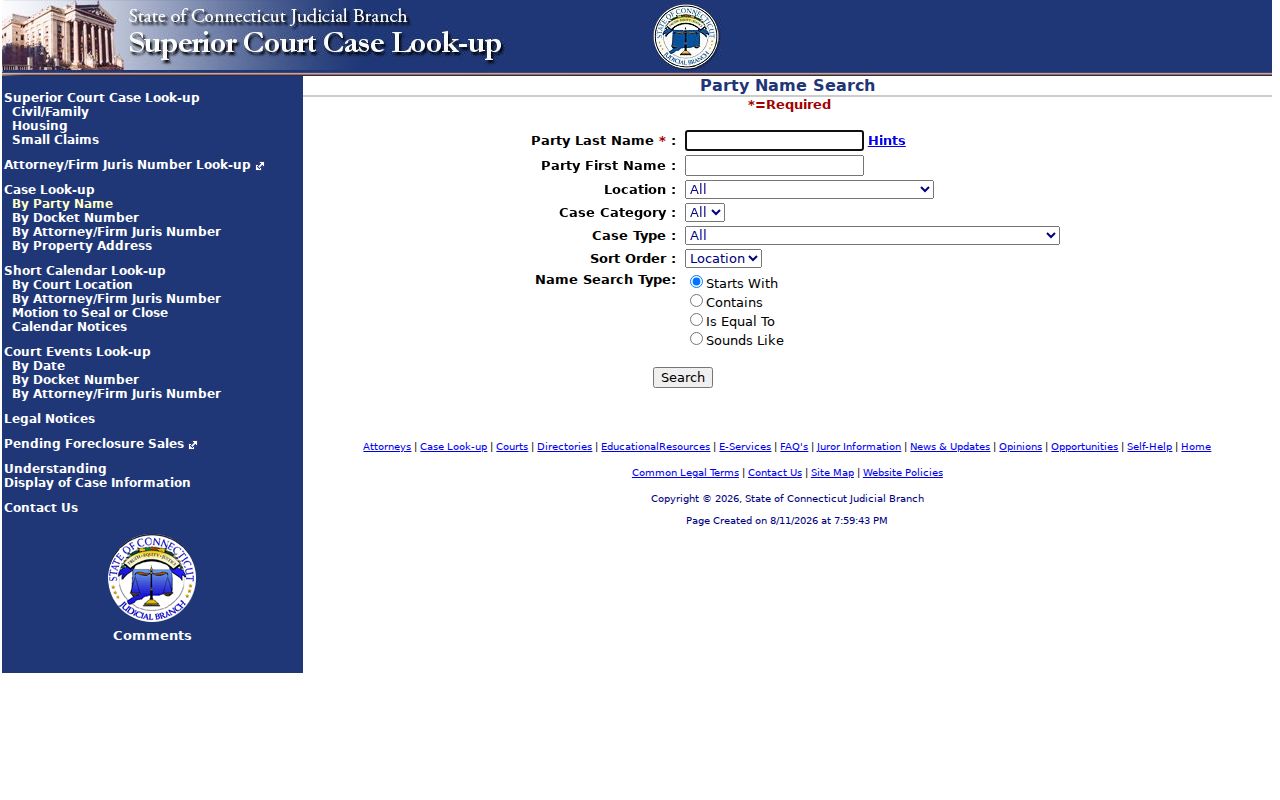
The Connecticut result is a case index, not proof that every Connecticut pleading or exhibit is open online.
Types of Connecticut Court Records
Superior Court produces most Connecticut trial records. Civil files may include complaints, appearances, motions, judgments, contracts, torts, collections, foreclosures, administrative appeals, and small claims. Family files include dissolutions, separations, annulments, custody, parentage, support, protection orders, and civil union matters. Criminal records track filed charges, pleas, events, dispositions, sentences, and probation orders. Motor vehicle cases that require court handling appear in the criminal and motor vehicle system.
Other record systems have firm boundaries. Connecticut Probate Courts hold estate, trust, guardianship, conservatorship, adoption, name-change, and commitment matters within probate jurisdiction. Municipal clerks hold marriage and local vital records. Juvenile matters are within Superior Court but are confidential by statute. Federal civil, criminal, and bankruptcy records do not enter the Connecticut state portal. They use CM/ECF and PACER.
- Connecticut civil: claims, defenses, motions, court events, judgments, and eligible e-filed documents.
- Connecticut family: dissolution, custody, support, parentage, and related orders, with sensitive items restricted.
- Connecticut criminal and motor vehicle: pending cases, public convictions, events, charges, and dispositions within display rules.
- Connecticut housing and small claims: specialized Superior Court records searchable through civil inquiry paths.
- Connecticut probate: a separate statewide court network and lookup, with limited case-type and date coverage.
Connecticut federal records require another route. The District of Connecticut source shown here illustrates that a federal courthouse and its clerk are outside the Connecticut state hierarchy.
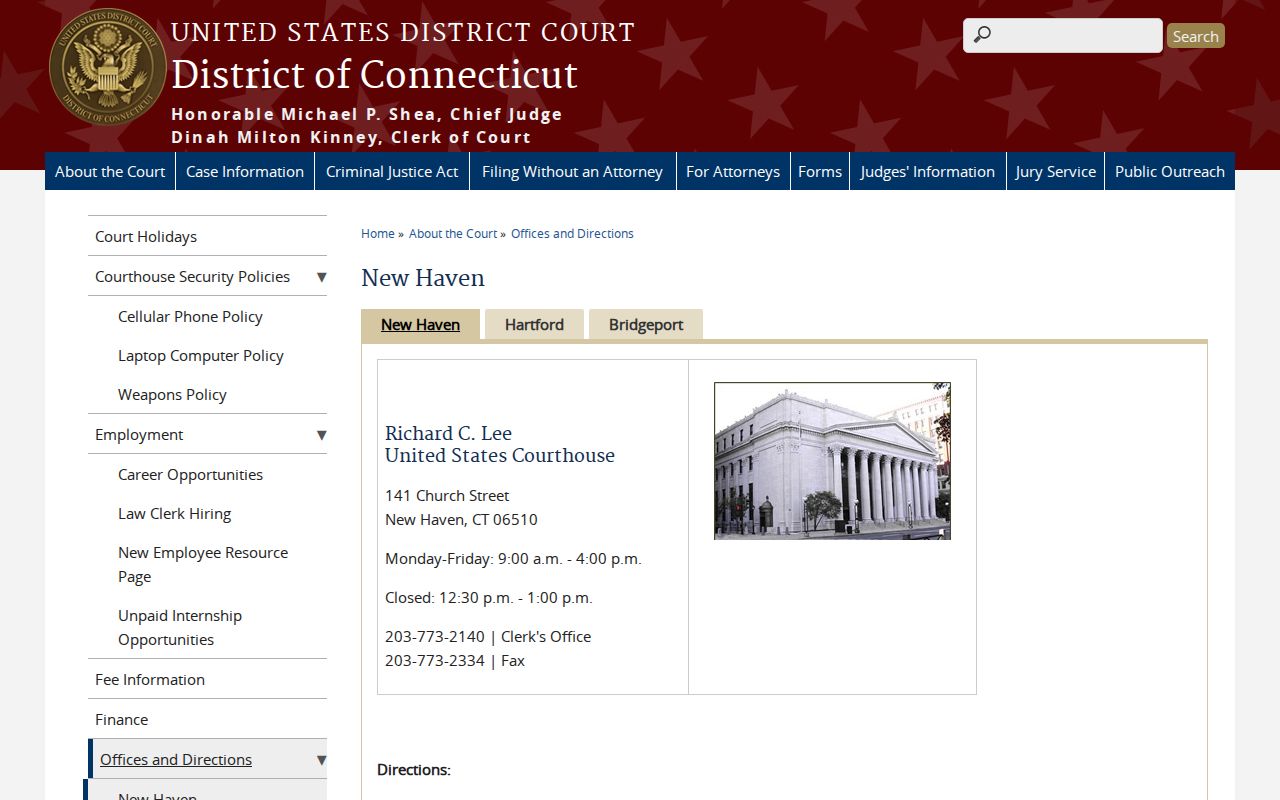
Use federal access only when the caption and court identify a United States court, not a Connecticut Superior Court.
What Connecticut Court Records Show
A public Connecticut case result ties the matter to a court location and unique docket number. Civil and family dockets combine a location code, CV or FA category, filing year, sequence, and suffix. Criminal and motor vehicle dockets use a court code plus CR, MV, CI, or MI. Results may identify parties, case type, filing date, events, motions, orders, charges, disposition, judgment, or sentence. The exact field set depends on the case family and whether the item can be displayed.
| Field | What It Shows |
|---|---|
| Connecticut Docket Number | The location, category, year, sequence, and suffix that uniquely identify the case. |
| Connecticut Court Location | The Judicial District, Geographical Area, Housing Session, or other assigned venue. |
| Connecticut Case Type | The civil, family, criminal, motor vehicle, housing, small claims, or other category. |
| Connecticut Parties | Public names and roles, such as plaintiff, defendant, petitioner, or respondent. |
| Connecticut Events | Filed motions, hearings, orders, pleadings, documents, and scheduled court activity. |
| Connecticut Disposition | The current or final result, such as judgment, dismissal, nolle, conviction, or sentence. |
| Connecticut Restrictions | Indicators that a document, name, identifier, or entire matter is sealed or withheld. |
Read a Connecticut name match with care. Similar names can refer to different people, and Connecticut criminal forms show an accuracy date because erasures, pardons, and corrections can change public data. A Connecticut docket entry proves that an event was recorded. It does not reveal a sealed Connecticut filing or establish that an allegation was true.
Connecticut Court Record Access Rules
Connecticut General Statutes section 1-210 provides a broad right to inspect or copy public records unless another law creates an exemption. Court case access is more specialized than an ordinary agency request. Judicial Branch portals, court rules, the status of the matter, and the clerk's process govern adjudicative files. Administrative Judicial Branch records may fall within the general Freedom of Information Act framework.
Section 1-212 addresses inspection, copies, scanning, and certification for covered public agencies. Its state-agency paper-copy ceiling is up to $0.25 per page, but that figure does not automatically price every court-document product. Ask the clerk for the current amount for a plain, certified, or exemplified copy. Specify each document and request a page estimate for a long file.
Note: A free Connecticut docket search may identify a filing even when the document image requires clerk inspection or a paid copy.
Restricted Connecticut Court Records
Not all Connecticut court records are public. CGS section 46b-124 makes juvenile matter records confidential except for listed people, agencies, victims in limited cases, and access allowed by court order. Youthful offender cases do not appear in the public criminal lookup. Adoption materials, mental health proceedings, sealed family filings, protected addresses, Social Security numbers, financial account data, and minor identities may also be closed or redacted.
CGS section 54-142a governs erasure after events such as a not-guilty finding, dismissal, qualifying nolle, pardon, or eligible conviction. An erased record is generally not disclosed. The absence of a result is not proof that no matter ever existed. A person seeking access, correction, or erasure should use the court or agency process tied to the record and be ready to prove identity when the law limits access to the subject.
Federal Court Records in Connecticut
Federal dockets are separate from Connecticut court records. The U.S. District Court for the District of Connecticut uses CM/ECF for case management and filing, while PACER provides public access to federal district, bankruptcy, and appellate records. The District Court converted existing case data to CM/ECF in October 2003. Earlier filings missing from the electronic docket may require a Federal Records Center route.
The Second Circuit source represented here is the correct appellate tier for federal cases arising in Connecticut.
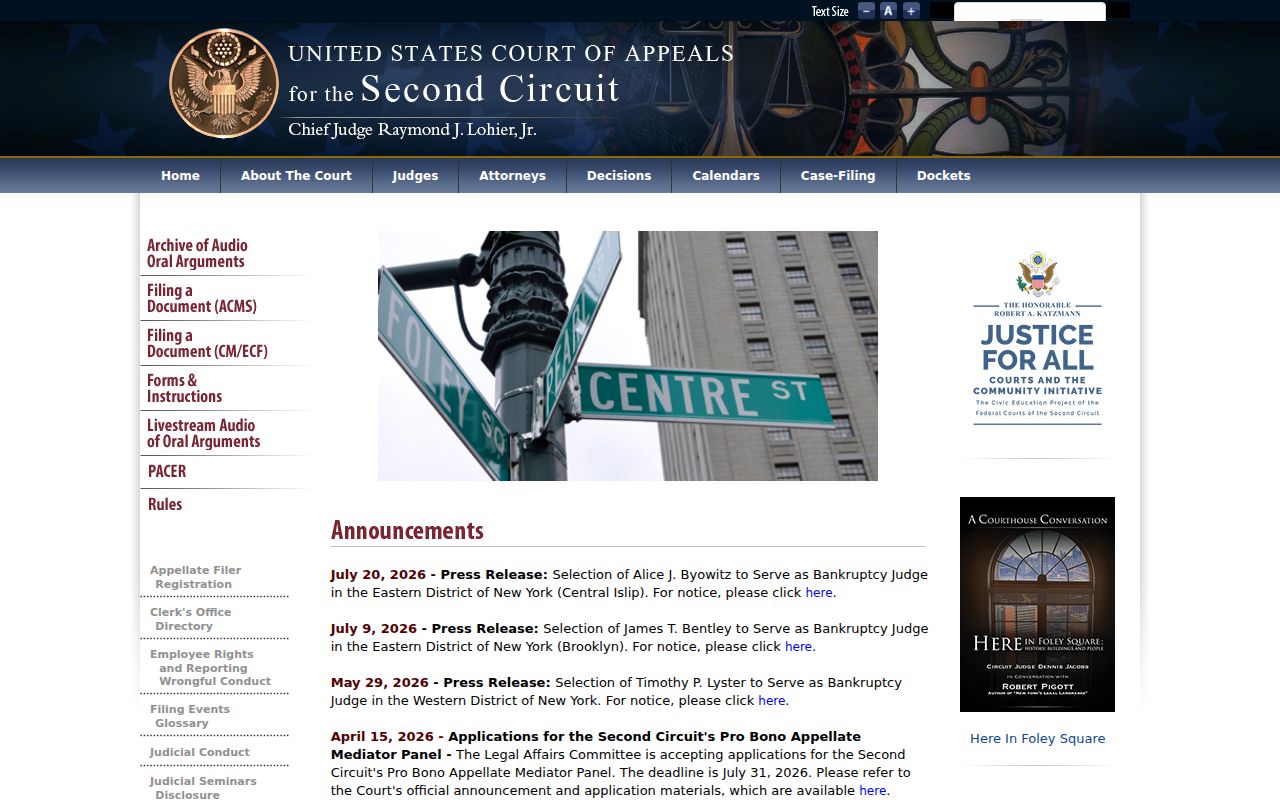
It does not review ordinary Connecticut Superior Court cases merely because they arose within the state.
Connecticut bankruptcy also has a distinct clerk and docket. The District of Connecticut Bankruptcy Court electronic filing source shown here links Connecticut filing and federal case-access functions.
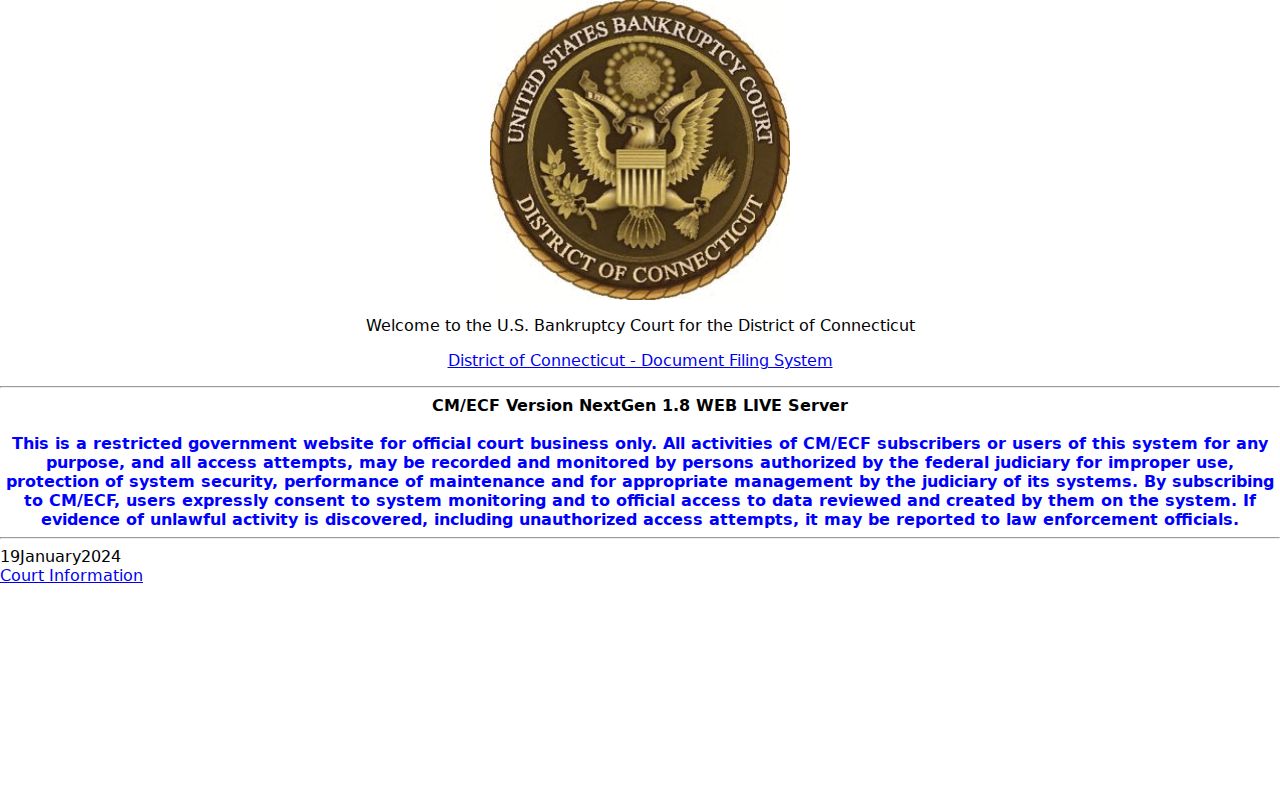
A bankruptcy docket should be requested through the bankruptcy court or PACER, never from a Connecticut Superior Court chief clerk.
Find Connecticut Court Record Offices
Connecticut has eight historical counties but no county government and no elected county clerk for trial-court files. Use the town where the matter arose and the case type to locate the assigned Superior Court chief clerk. Probate records go to the chief clerk of the applicable Probate Court. Marriage and municipal vital records go to a town or city clerk. The project directory of 27 Connecticut record areas routes both historical county and municipal searches without claiming that Connecticut has 27 counties.
Before visiting, call the official office and confirm custody, public access, copy options, payment method, and any identification requirement. Include the docket number, party names, approximate year, and exact filing needed. The statewide Connecticut clerk structure also explains why a Superior Court chief clerk, municipal clerk, and Probate Court chief clerk have different records.
Tip: Route by town and case type first; a historical Connecticut county name may point to several modern court locations.